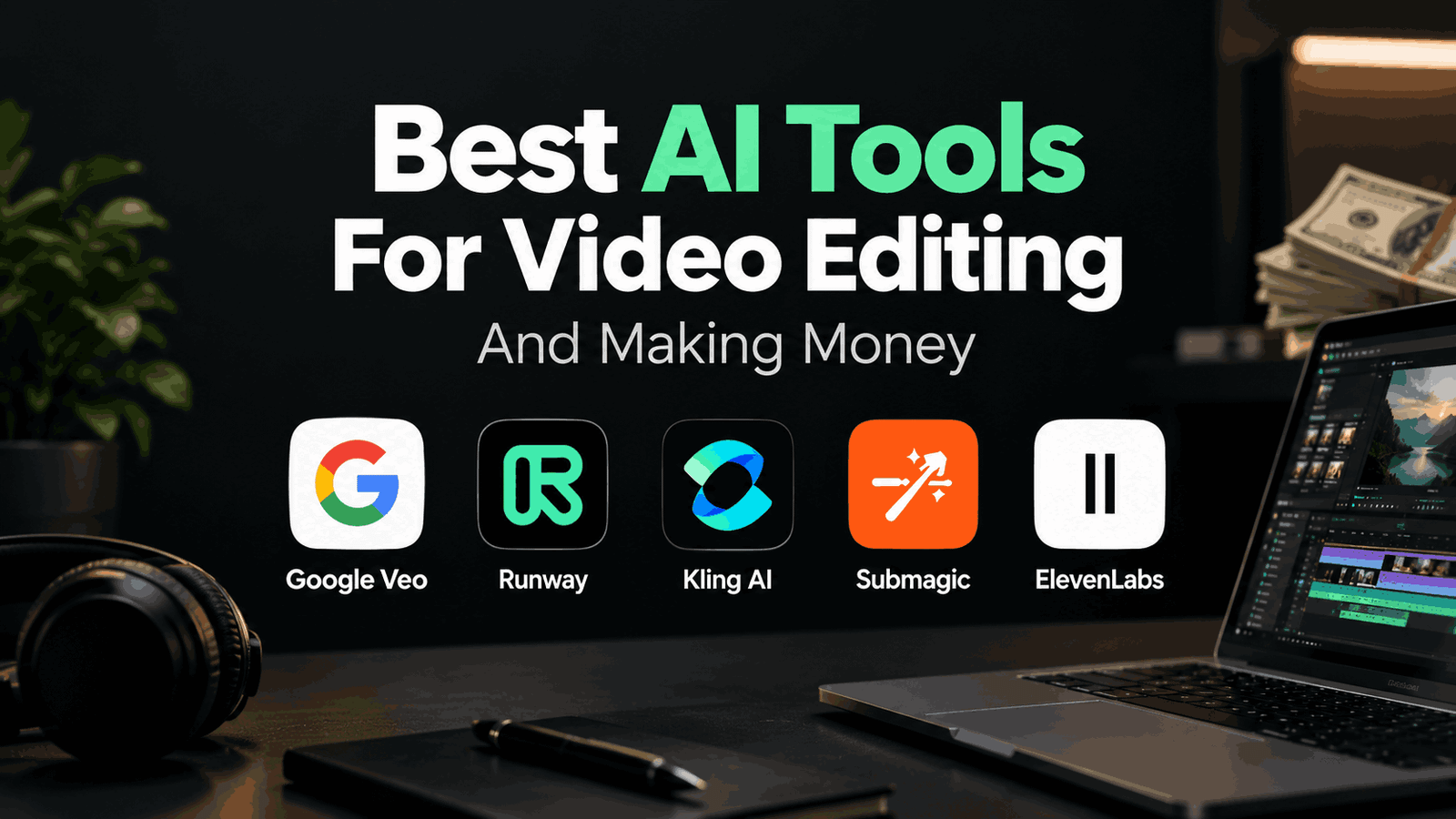
As u all know that Artificial intelligence has completely changed the world of video editing in 2026. Tasks that used to take a time and need a lot of manual work are now done automatically by web‑based programs. Creators can edit video starting from a text prompt add captions in a few seconds or produce a voiceover without speaking a word.. Because there are many different options it can be hard for video editors to decide which technology to use and when. Below is a list and a short review of the five web based artificial intelligence tools for video editing in 2026.
Why Video Editors Should Learn AI Tools?
Clients want video content that looks better but they do not want higher budgets or longer schedules. This forces video editors to rethink how they work. Artificial intelligence helps with boring tasks so video editing professionals can spend more time on creative parts of a project.
I have been in the video editing world for years and I can say clearly that these technologies work best as helpers not as substitutes for human work. They cut the time needed for tasks a lot but they do not understand branding or how to keep an audience engaged as well as a person can. Video editors who use intelligence to the fullest will get more clients and can offer more services.
5 AI Tools for Video Editors
1. Google Veo 
Google Veo is an AI video maker that creates high quality clips from a text prompt. New versions have special effects and can add realistic voices and sounds to the clip.
Best for: Cinematic B-roll, short advertisements and creative social media clips
Best use : If you are working on a travel vlog and need a shot that was not captured you can use this tool to make it of spending hours looking for stock footage online.
2. Kling AI
Kling AI is a popular AI video generator. It lets users make video from text or image prompts. It is known for producing animation that matches the prompt.
Best for:Animating images, product photography and social media clips
Best use:If a client sends an image but no video you can use this tool to turn the image into a clip with camera movement, which is great for social media marketing.
3. Runway 
Runway is a video tool. It lets users create video from prompts or edit footage by swapping parts with new ones.
Best for: effects, scene replacement and ad‑style visuals
Best use: If you have a clip filmed indoors but the client wants it outside you can try scene replacement with this tool instead of old compositing methods. The same works for any object or visual effect.
Free or paid: It has a plan with limited daily credits and a good price‑performance ratio for the paid plan.
4. Submagic 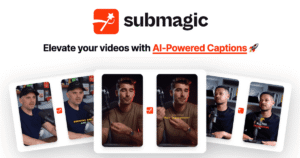
Captions are essential for Reels, Shorts, TikTok and other vertical videos because most viewers watch without sound. Submagic creates animated captions that match the speech adds emojis, B‑roll and prepares the video for media.
Best for: Short form media, talking head clips and podcasts
Best use: Adding captions to a one‑minute video can take hours but this tool can do it in minutes. This is very useful for anyone who edits short videos for a client each week.
Free or paid: It usually has a free trial or limited free use and a paid subscription, for heavy users.
5. ElevenLabs 
ElevenLabs is a voice generation tool that makes very realistic voices from text and can add voiceovers to video content in several languages.
Best for: Voiceover, narration and dubbed video content
Best use: If a client wants a voiceover but does not have one you can create a voiceover quickly. Charge for the service. You can also provide dubbed versions of the video in many languages, which can raise your revenue from the same project.
Free or paid: ElevenLabs offers a plan and higher quality options for those who wish to pay.
Tips for Using AI Tools
✔Use AI as an assistant not as a replacement for your own skill and expertise.
✔Double check any media because errors can happen with faces, text, animation and special effects.
✔Be open with clients by telling them you used content.
✔Avoid copyright and ethical problems by not using people or brands without permission.
✔Do not depend much on a single technology.
✔Read the print carefully for any subscriptions because free plans often have limited features.
Final Thoughts
AI will not remove the need, for video editors but it will change the industry. The right tools can save you hours of work. Bring new services to video editing professionals. Try these five technologies. Keep learning them so that you stay one step ahead of the competition in 2026 and later.